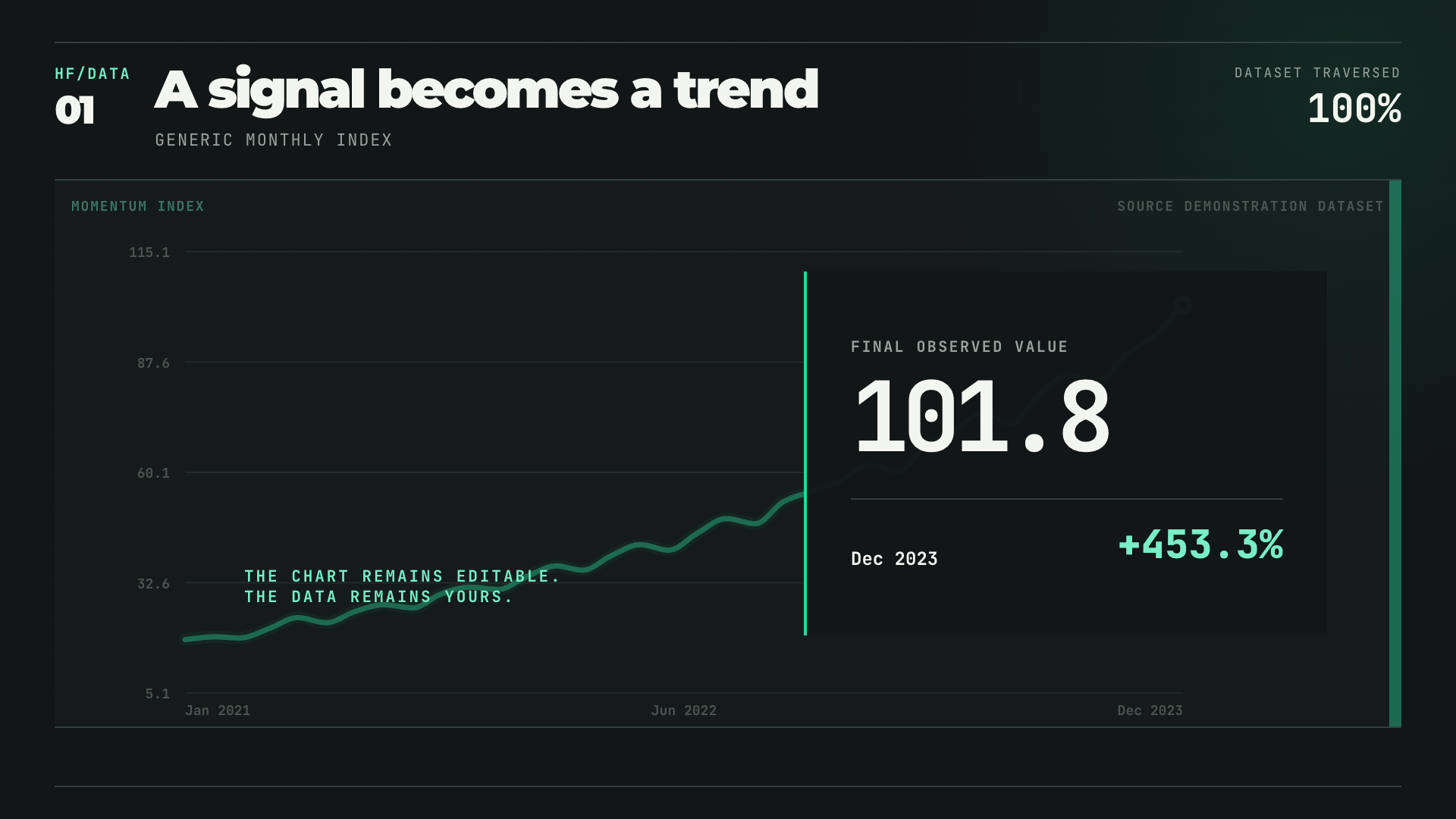
wide data · date + value
Single-line Story
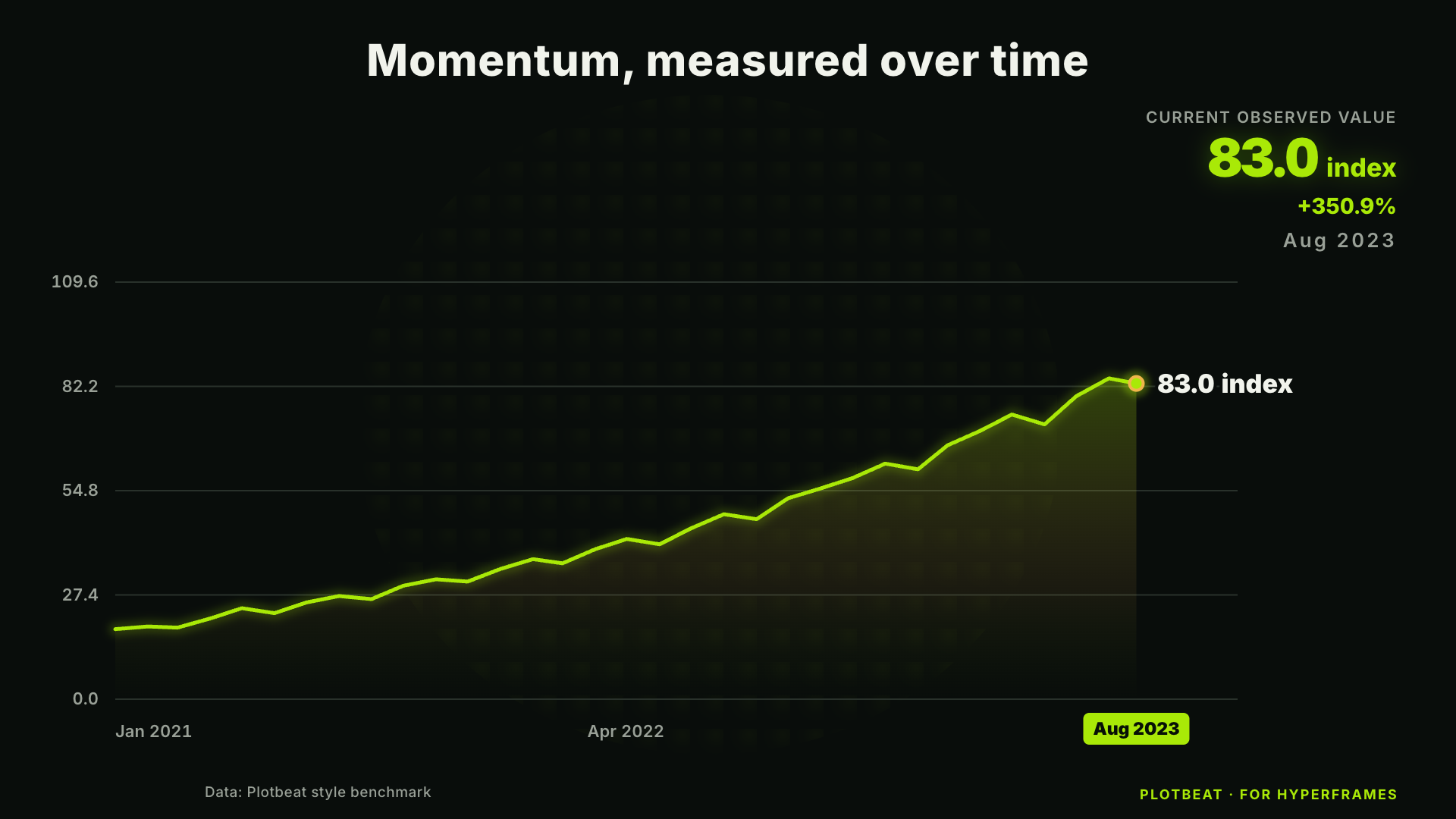
A single time series grows across the frame with a live endpoint readout and a decisive final lockup.- Linear trace
- Smooth trace
Open-source motion templates · Preview v0.1
Built for your AI agent. Powered by HyperFrames.
Give your AI agent a CSV, JSON, URL, API, or named public data source. Plotbeat retrieves or maps the data into a reusable, editable HyperFrames video project instead of an opaque export.
Start here
Install HyperFrames first, then Plotbeat. Attach a file or name the data source you want. The skill handles retrieval, template selection, mappings, pacing, validation, and the HyperFrames project.
npx skills add heygen-com/hyperframes --all
npx skills add DbgKinggg/plotbeat --skill plotbeatUse $plotbeat to fetch the last 10 years of monthly U.S. unemployment data from FRED, cite the series and retrieval date, then turn it into a quick, editable HyperFrames trend video. Help me choose a visual style and let me approve it before rendering.
One grammar · multiple visual systems
Same data. Different direction.
Rows in.
Chart frames out.
Rows enter as structured cells. A visible timing machine turns them into motion, then releases finished chart frames.
Motion grammars · 8 ready
Pick a motion grammar.
Every template is a real HyperFrames composition with frozen sample data, a clear input contract, seek-safe motion, eight visual styles, and a polished finale.
wide data · date + value
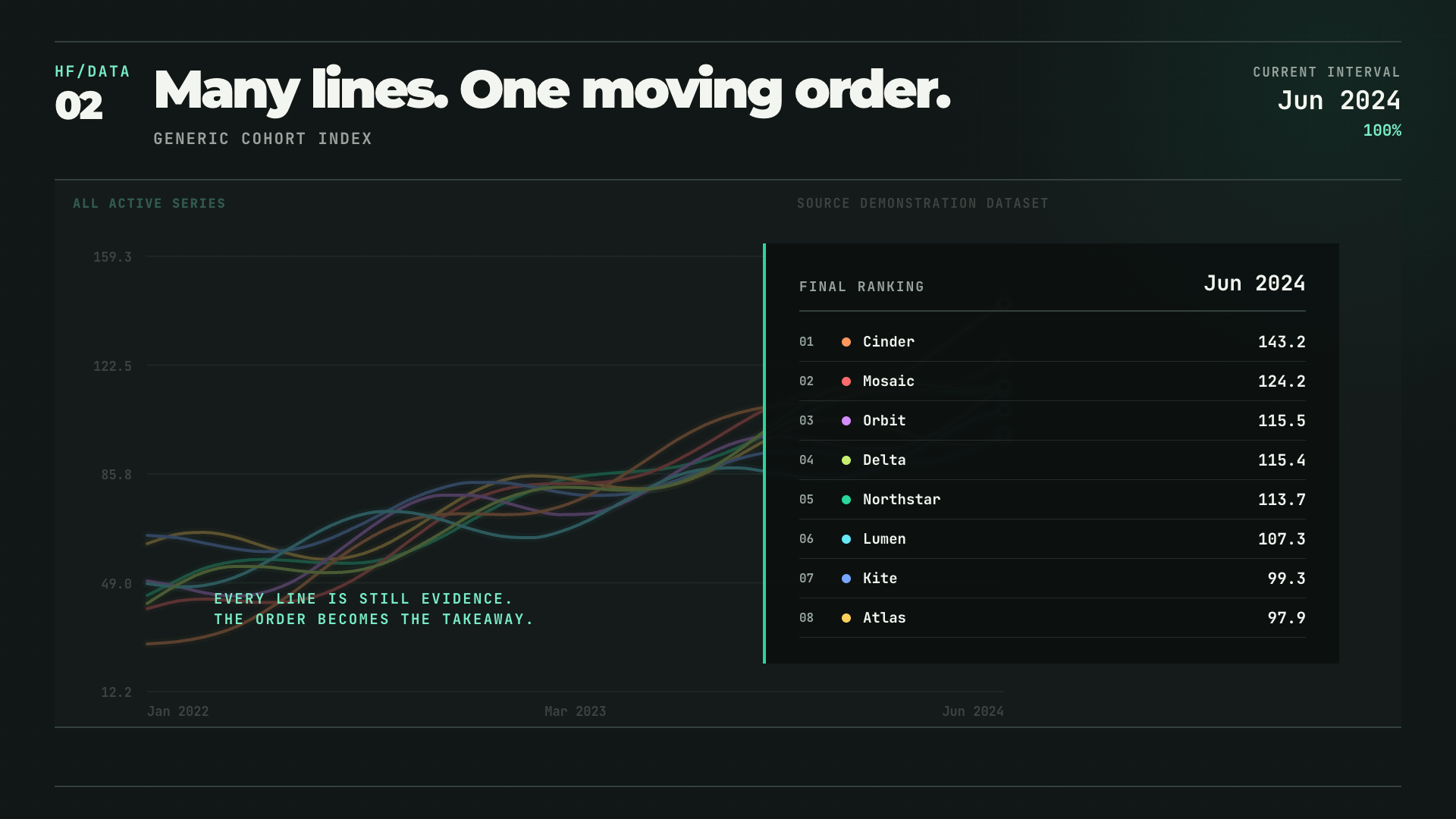
long data · date + series + value
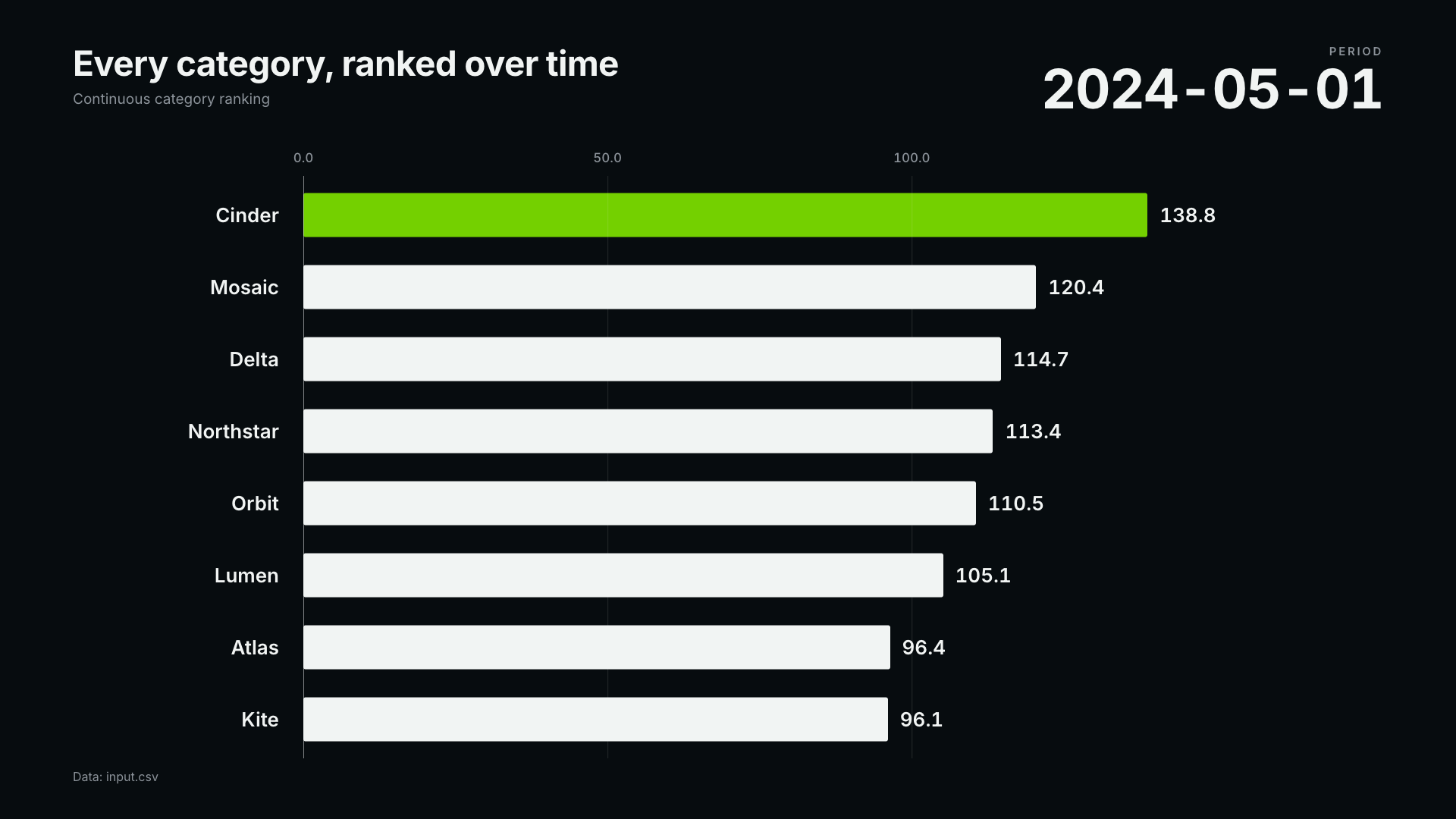
long data · date + series + value
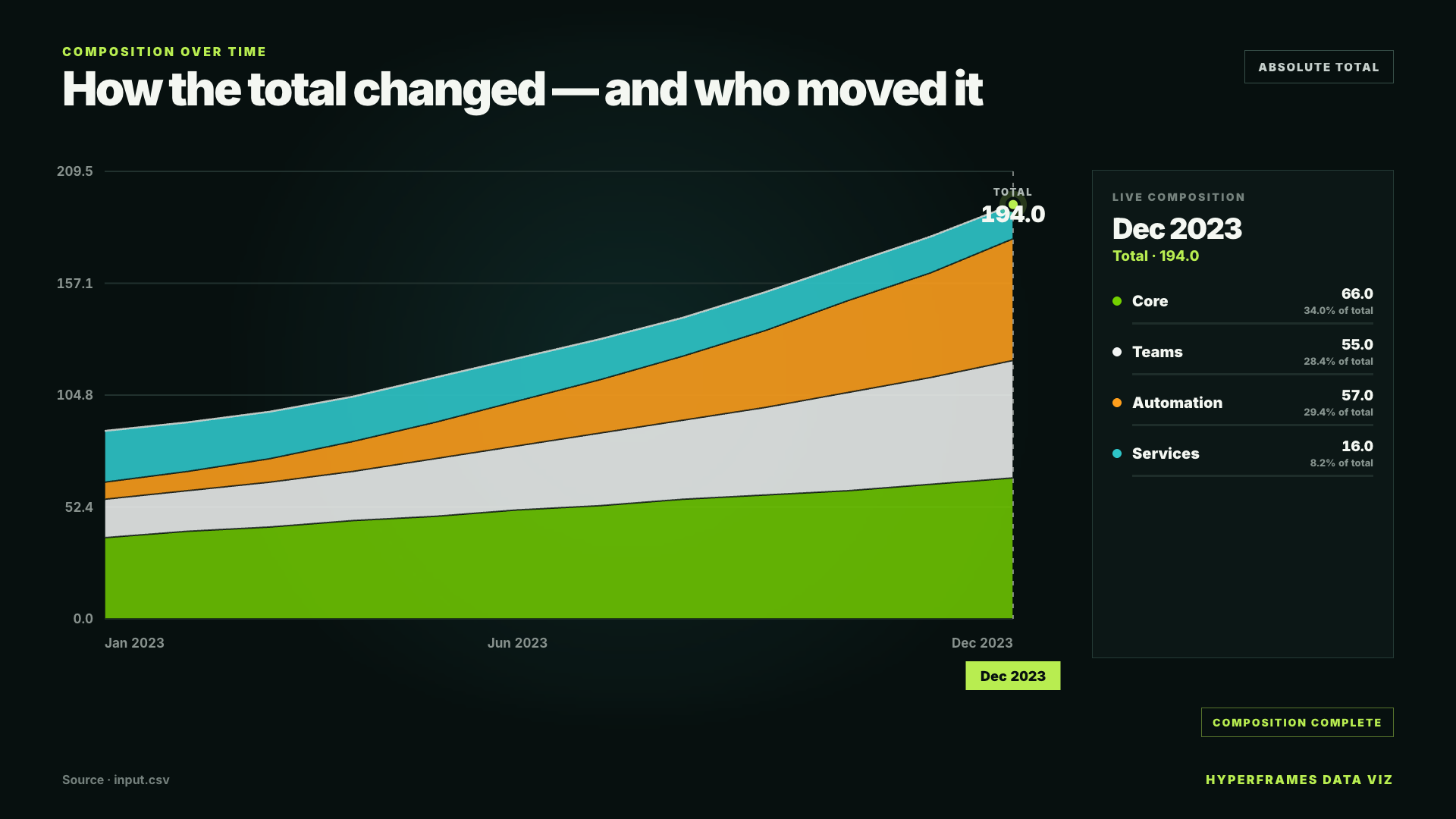
long data · date + series + value
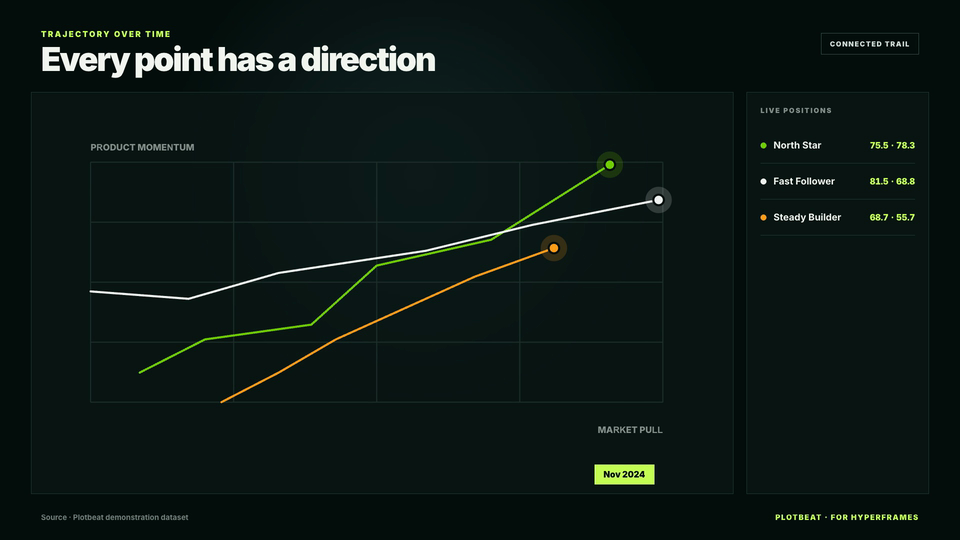
long data · date + series + x + y
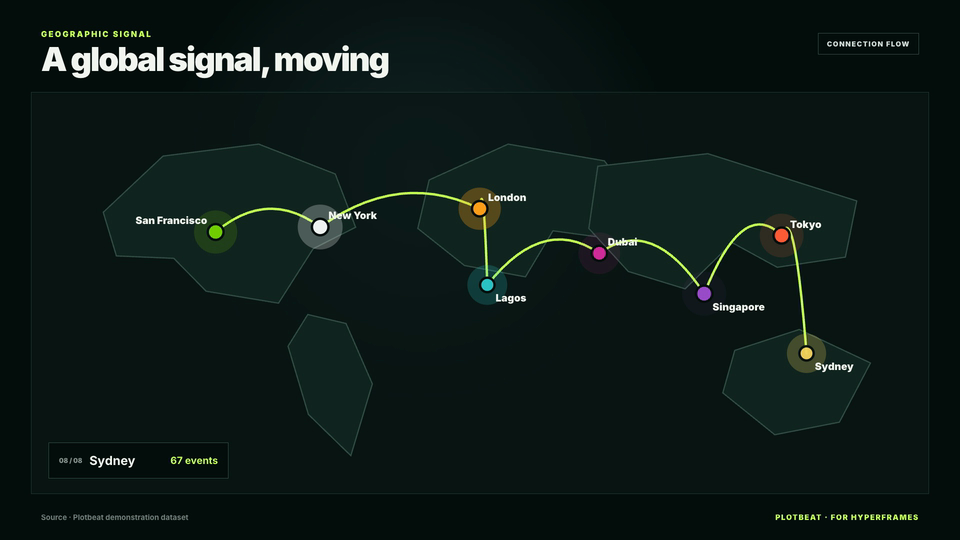
location rows data · location + latitude + longitude + value
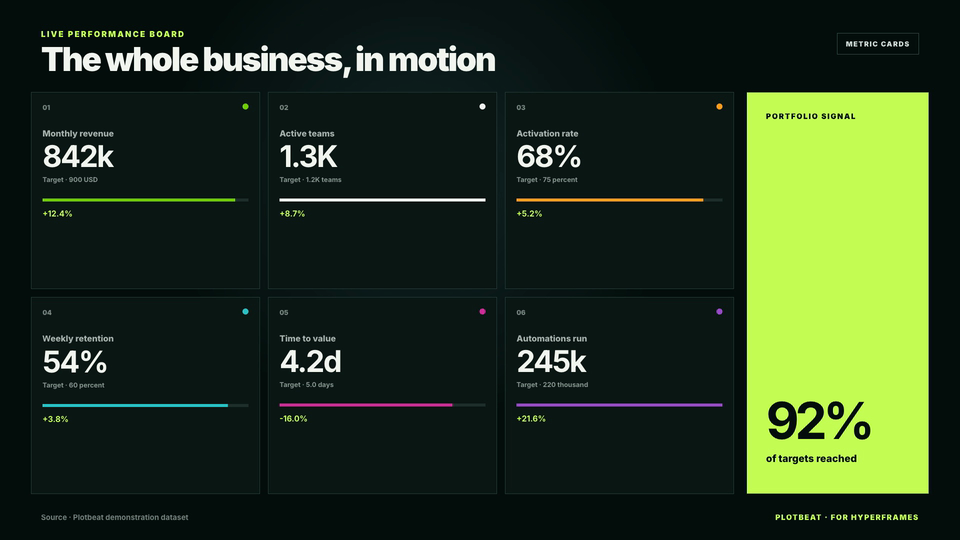
metric rows data · metric + value + target + change
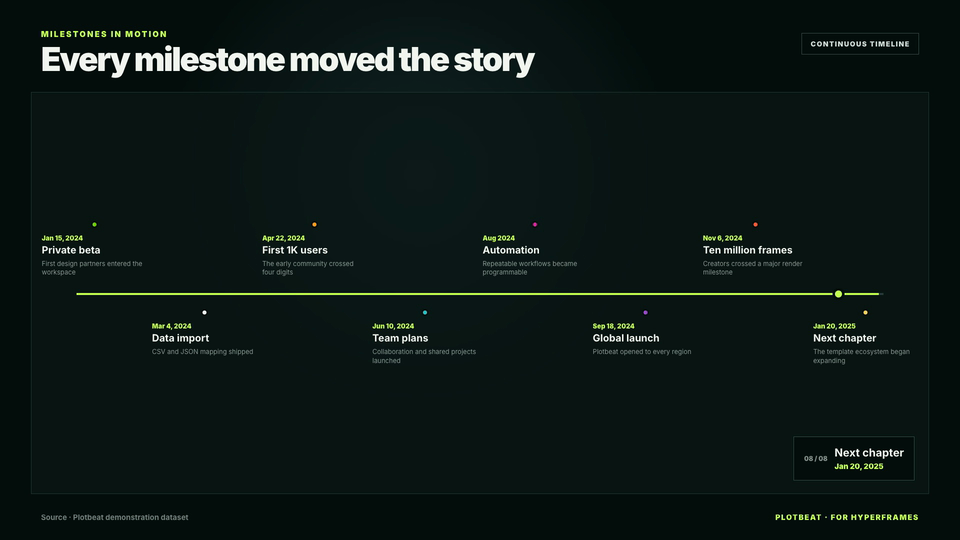
event rows data · date + title
A visible production path
The skill inspects dates, series, units, missing values, and the story your data can honestly support.
Start from a proven chart composition instead of rebuilding the same motion language every time.
Select a polished light or dark visual system, or build your own palette, typography, and composition tokens.
Your data is compiled locally into an ordinary, editable HyperFrames HTML project.
Check arbitrary seeks, tune the pacing in Studio, then let HyperFrames produce the final video.
The engine stays visible
Remove HyperFrames and the product stops working. That is the point: the skill specializes the engine instead of quietly rebuilding its timeline, preview, or renderer.
CORE ENGINEDirect the motion
Choose the data and the narrative. The skill handles the repeatable setup, while you keep control of pacing, styling, and final Studio approval.
“Use $plotbeat to fetch the last 10 years of monthly U.S. unemployment data from FRED, cite the series and retrieval date, and turn it into a quick single-line HyperFrames story in the Studio Blueprint style.”
“Use $plotbeat to make a multi-line rank video from cohorts.csv in the Paper Cut style. Rank regions by active users over time, show the top eight, and end on a clean final table.”
“Use $plotbeat to fetch the latest 30 days of magnitude 5+ earthquakes from the USGS GeoJSON feed, use magnitude as the value, and turn the locations into a quick Signal Noir animated HyperFrames map.”